Dust, Dye, and Daylight: Rescuing Grandma’s Christmas Negatives With a $25 Phone Rig
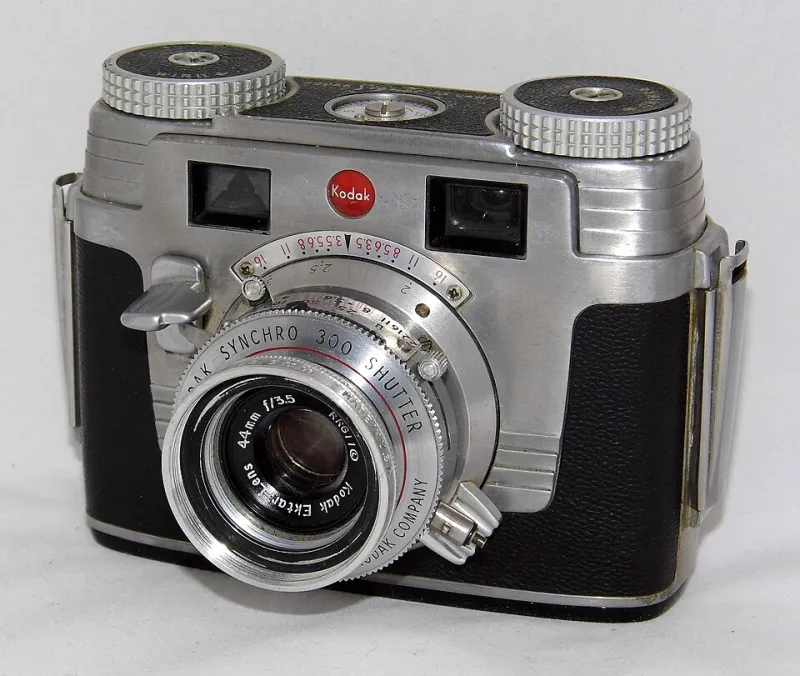
Photo: Joe Haupt from USA, CC BY-SA 2.0, via Wikimedia Commons
The shoebox showed up after Thanksgiving, the way family archives always do: a stack of paper sleeves, a few curled 35mm strips, and a handful of slides labeled in handwriting that has gone soft at the edges. Grandma’s Christmas photos from the late 1970s and early 1980s were in there, along with a few rolls from the 1990s that looked like they had spent a decade near a radiator. The obvious move was a local lab scan. The cheaper move was a $25 phone slide-and-negative adapter and a free afternoon.
Here at Fototik, we are not romantics about gear. A phone rig is not a Noritsu. But the real question for most families is narrower: can a phone setup produce files good enough for a holiday card, a framed 5x7, and a digital archive that will outlast the shoebox? After a week of dusting, inverting, and arguing with color casts, the answer is a qualified yes — with one big caveat about patience.
The shoebox problem
The negatives were not pristine. They had dust, a few fingerprints, and the kind of color drift that makes 1978 look like an old magazine left in a car. Some frames were underexposed. Some had Christmas-tree lights bleeding into the ceiling. A lab scan smooths over a lot of that because the operator knows what to fix and the machine has a decent light source. A phone adapter does not know anything. It just holds the film and lets the phone do the thinking.
That is the trade. The $25 rig buys access, not expertise. If the goal is to rescue every frame at maximum quality, pay the lab. If the goal is to get 40 useful images out of 120 frames without spending $150, the phone rig earns its place on the table.
What the $25 rig actually is
The adapter we tested is the usual kit: a plastic base with a diffuser, a sliding 35mm film holder, a small slide slot, and a phone clamp that puts the camera roughly parallel to the film plane. It is not fancy. The plastic feels like a $25 plastic thing. But the important parts are simple: keep the film flat, keep the light even, and keep the phone square to the negative. Miss any of those and the scan looks like a photo of a photo of a photo.
Setup matters more than the adapter. We used a bright window on an overcast day, with the diffuser pointed at the sky, and a stack of books to level the base. A table lamp works if you can kill the hotspot. The phone went into the clamp with the camera centered, grid on, and HDR off. We shot in the phone’s native camera app at the highest resolution available, then moved the files into editing apps for inversion and cleanup.
Three free apps, three different moods
The first pass used Lightroom Mobile’s free tools. The white-balance eyedropper on the film border is the closest thing to a cheat code here: it gives you a neutral starting point before you invert the curves. Snapseed was the second pass, mostly for healing dust and tiny scratches. The third app was a free negative-inversion scanner. It was fast, but it wanted to make every Christmas tree look like a neon sign. Free apps are not uniform. Use one for inversion, one for dust, and one for tone, and do not expect any of them to understand that Grandma’s red sweater was actually red.
The lab scan as a sanity check
We sent one roll to a local lab for a baseline scan. The difference was obvious in the shadows: the lab pulled detail out of dark green ornaments that the phone files turned into mush. The lab also handled the color cast better, mostly because a human made a judgment call. But the phone files were not embarrassing. At normal viewing size, the best phone scans held up. In a 5x7 print, the gap narrowed to something only a photographer would complain about. On a phone screen, it disappeared.
Dust is the real boss fight
Resolution gets the headlines, but dust is what makes phone scanning feel like work. Every negative needed at least a minute of cleanup. The healing brush in Snapseed handled small specks. Larger scratches needed cloning, and that is where the phone workflow slows down. A $25 adapter does not include a dust-free room. Use a microfiber cloth, a rocket blower if you have one, and a can of compressed air used carefully. Clean the film before it goes into the holder, not after. And shoot a second frame of any image that matters. Dust moves. One of the two captures will be cleaner.
Color correction without rewriting history
This is the part where family archives get tricky. The goal is not to make 1979 look like 2026. It is to remove the orange cast, recover the highlights, and leave the era alone. Start with white balance on the film border. Then invert. Then adjust contrast gently. If skin tones go plastic, back off. A little grain is honest. A little softness is honest. Over-sharpening old negatives is how you get Christmas photos that look like they were taken through a screen door.
Resolution: enough for a 5x7, not a billboard
A 12MP phone capture through a cheap adapter does not deliver 12MP of real film detail. After cropping the film border, we were working with something closer to 8MP of usable image. That is fine for a 5x7 at 300 ppi. It is borderline for an 8x10. It is not fine for a large canvas or a museum-grade archive. If the plan is to make one big print of Grandma and the cousins, use the lab scan. If the plan is a digital frame, a holiday card, and a shared album, the phone files are good enough.
The holiday-gift verdict
The $25 adapter paid for itself after two rolls compared with lab scanning. The workflow is slower, dustier, and more fiddly than the product photos suggest. But it turns a shoebox into something you can actually share before the holidays end. Our advice: scan the whole box at low effort, then send the best 10 frames to a lab for proper scans. Use the phone rig as a scout, not a savior. Grandma’s Christmas negatives deserve a real archive. They also deserve to be seen this year, not stacked in a closet waiting for the perfect scanner.